If you are wondering, “How do I install my Canon printer to my computer?”, start by choosing a USB or wireless connection. Prepare the printer, connect it to the computer or home network, and add it through your operating system’s printer settings. Instal...
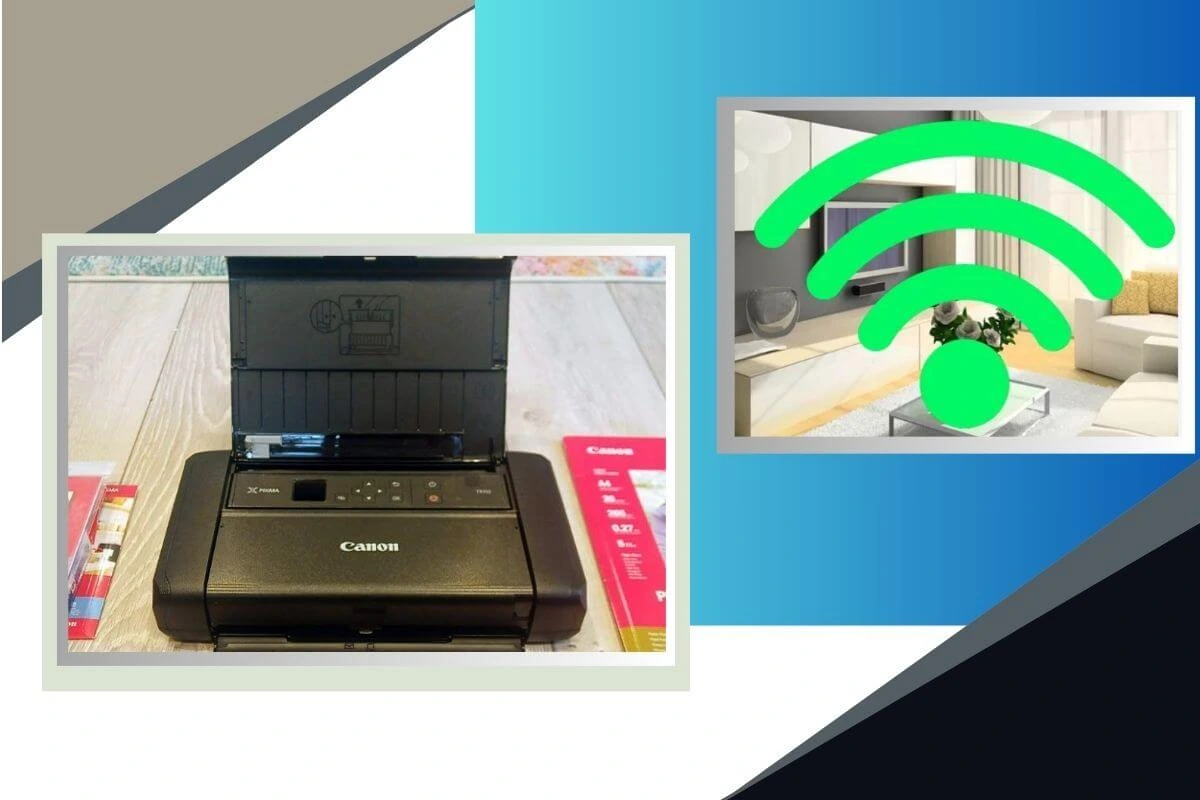
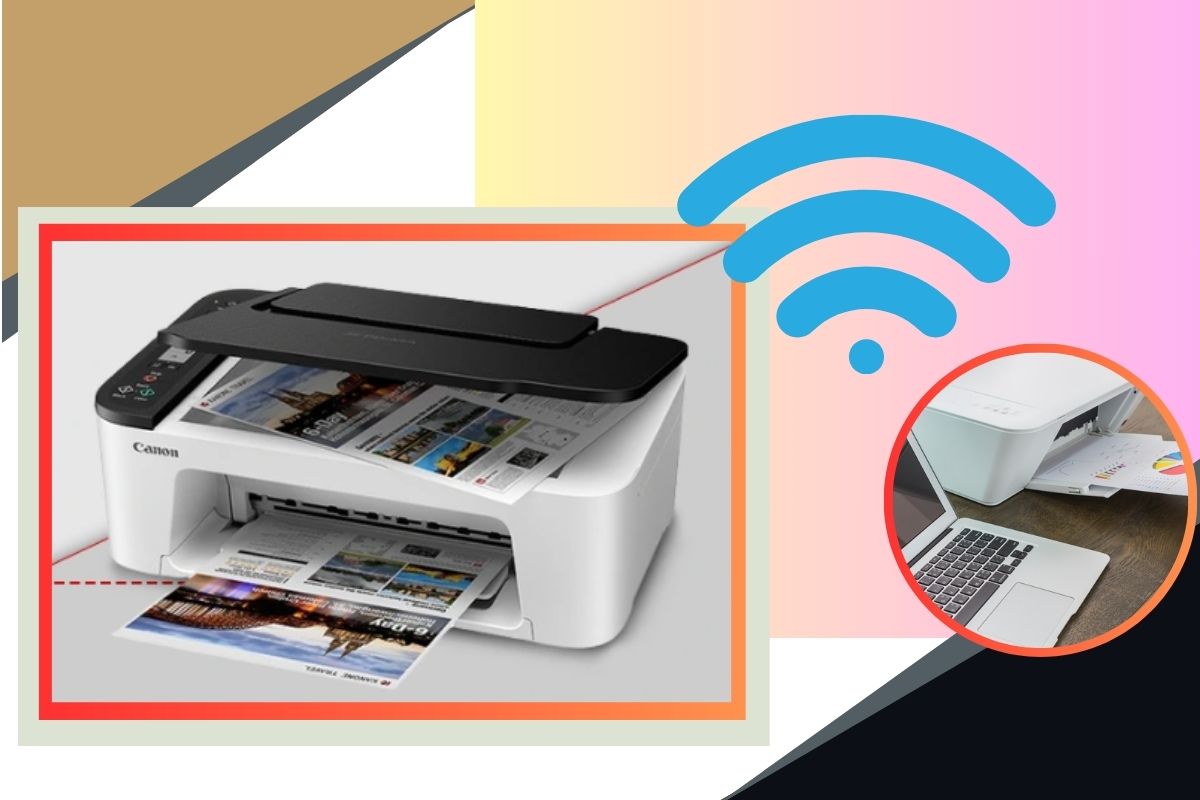
To connect a Canon printer to WiFi, use the printer’s wireless setup menu, a compatible WPS connection, or the Canon PRINT app. Choose your home network, enter its password when requested, and wait for connection confirmation. Then add the printer to your...
A Canon printer not connecting to WiFi may be using an old password, searching for an incompatible wireless band, or trying to join a network with unsuitable security settings. Weak reception and an incomplete setup process can also prevent the connection...